Text
Text shapes can be added to Slides.
Usage
Properties
Position/Size Props (PositionProps)
Base Properties (TextPropsOptions)
Shadow Properties (ShadowProps)
Examples
Text Options
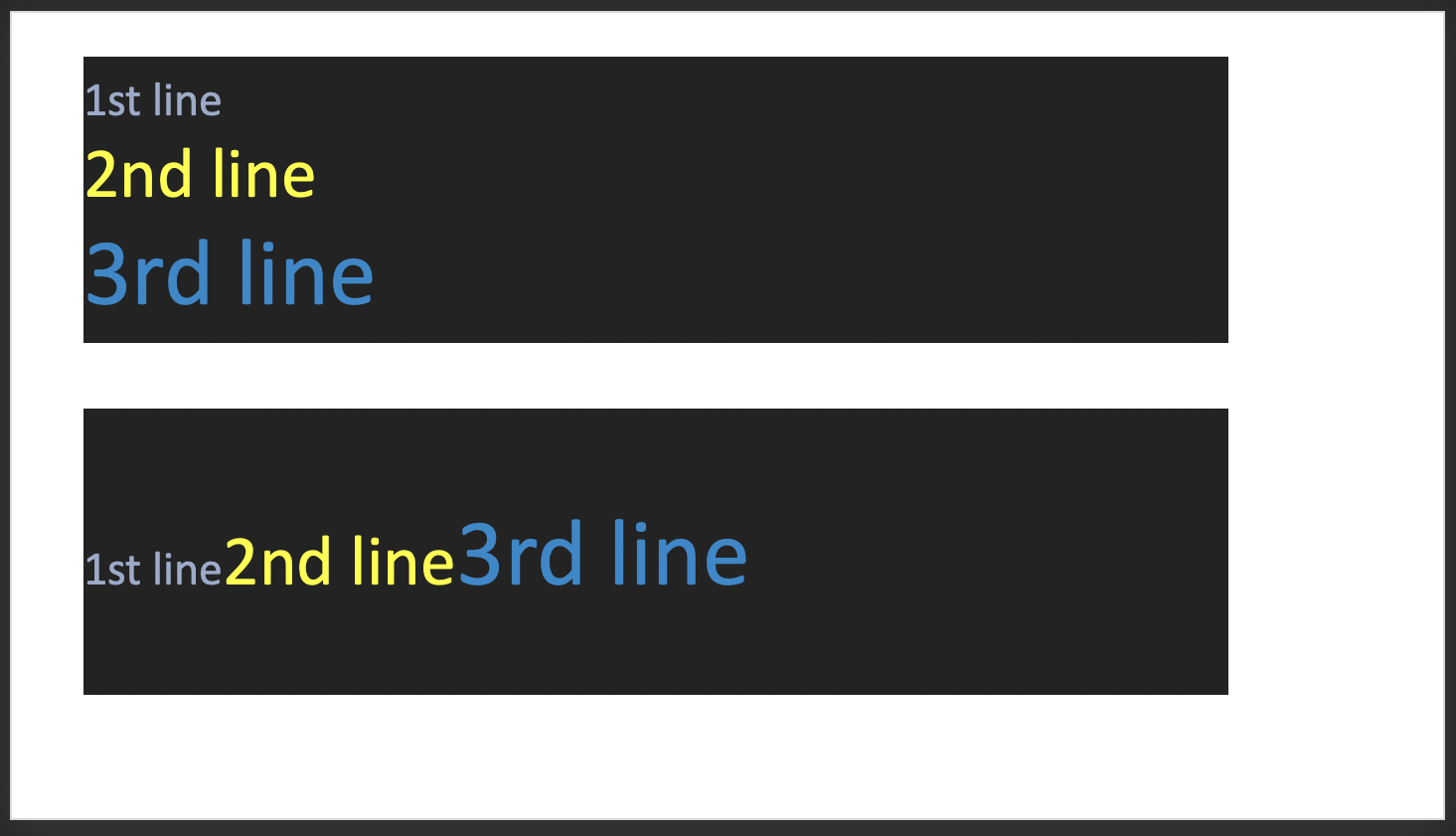
Line Break Options
- Use the
breakLineprop to force line breaks when composing text objects using an array of text objects. - Use the
softBreakBeforeprop to create a "soft line break" (shift-enter)
Line Break Examples
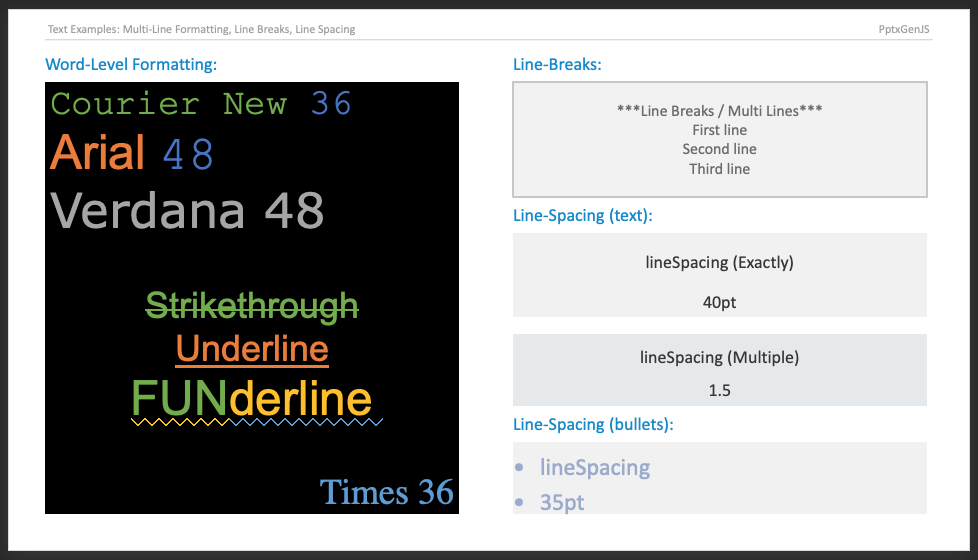
Text Formatting
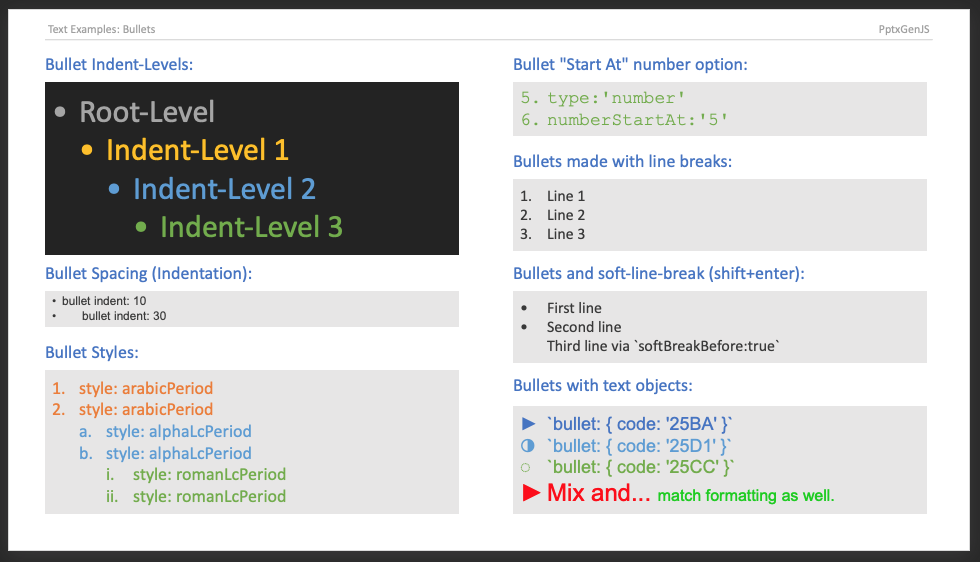
Bullet Options
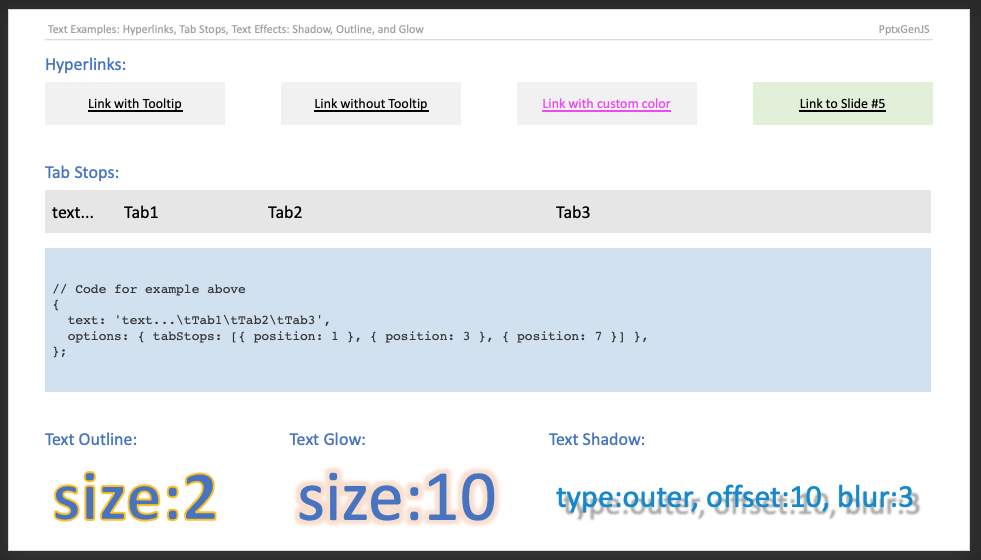
Tab Stops
Fields
A field is a run PowerPoint refreshes on open — a date, the slide number, a header or footer. The run's
text is the cached value, shown by consumers that do not refresh.
Types: slidenum, datetime, datetime1–datetime13 (locale-formatted variants),
datetimeFigureOut, headerfooter, hdr, ftr. Fields mix freely with ordinary runs in a paragraph.
An unknown type is emitted as plain text with a warning. Slide-number placeholders (slideNumber on a
master) are unchanged.
Bullet Colour, Size, Font, and Pictures
A picture bullet replaces a character or number bullet. sizePts and size are the same choice in the
schema, so sizePts wins when both are given. Numbered bullets keep their +mj-lt fallback unless
fontFace is set. Existing keys (characterCode, numberType, numberStartAt) are unchanged.
Right-to-Left Columns and East Asian Text
rtlColumns controls a:bodyPr@rtlCol, which decides whether multi-column text flows right-to-left.
It follows the text box's rtlMode unless set explicitly. Table rtlMode (a:tblPr@rtl) is unchanged.
kumimoji enables horizontal-in-vertical numerals for East Asian vertical text.
Mouse-Over Actions
hyperlinkHover takes the same props as hyperlink but fires on mouse-over — PowerPoint's
Insert > Action > Mouse Over tab. It works on text runs, shapes, and images.
Hyperlink Props (HyperlinkProps)
Action Sounds
a:snd accepts WAV only (ECMA-376 §20.1.2.2.32); other formats are rejected with a warning rather
than linked. A hover link with neither url nor slide is dropped with a warning.